
If your laptop fan sounds like a jet engine when you open a few browser tabs and a chat application, you are not alone. High RAM usage has become the silent killer of PC performance. Understanding why modern apps use so much RAM has become essential for anyone trying to keep their system running smoothly, especially since 8GB of memory is barely enough to handle standard daily tasks.
But how did we get here? How did software transition from requiring mere megabytes to chat applications that devour gigabytes of memory?
Let’s examine the numbers, explore the architecture behind memory-hungry software, and detail actionable steps to take back control of your system resources.
How We Got Here: From Kilobytes to Gigabytes
In the early days of personal computing, developers were forced to optimize every single byte of code. Hardware memory was extremely limited, so software was written “natively” for specific operating systems like Windows or macOS, allowing code to communicate directly with hardware.
Today, development priorities have shifted. As hardware grew more powerful, software teams began prioritizing rapid feature deployment and cross-platform compatibility over low-level resource optimization. Instead of maintaining separate codebases for Windows, macOS, and Linux, modern companies rely on unified application frameworks to write code once and ship it everywhere.
The Main Reason Why Modern Apps Use So Much RAM: Electron Frameworks
If you notice desktop applications like Discord, Slack, Spotify, or WhatsApp Desktop hogging your memory, you are experiencing the direct impact of modern software wrappers.
A primary driver behind why modern apps use so much RAM is Electron, a framework that enables developers to build desktop software using standard web technologies like HTML, CSS, and JavaScript.
Here is the underlying problem: Every Electron app runs its own hidden instance of the Chromium browser engine in the background.
When running Slack, Discord, and Spotify simultaneously, you are not running three lightweight native apps—you are running three independent web browsers:
- Native Chat Apps (e.g., Telegram Desktop): Typically consume around 130 MB of RAM.
- Electron Chat Apps (e.g., Discord): Consistently consume 1 GB to 4 GB of RAM, especially when active in voice channels or screen shares.
This structural redundancy quickly drains available memory, leaving fewer system resources for heavy workloads or gaming.
Browser Memory Benchmarks: Chrome vs. Edge vs. Firefox
Web browsers represent another major source of system memory consumption. Because modern web pages function like complete web applications, browsers isolate tabs into independent operating processes for security and stability.
When evaluating why modern apps use so much RAM during web browsing, data shows significant variations across software engines. According to a benchmark test by TabGroup Vault, memory allocation scales differently depending on tab count:
| Browser | 10 Tabs Open | 50 Tabs Open | Best Target Use Case |
| Microsoft Edge | 2.56 GB | 14.61 GB | Casual browsing with sleeping tabs |
| Google Chrome | 2.73 GB | 14.41 GB | Web extension performance |
| Mozilla Firefox | 2.78 GB | 8.84 GB | Heavy multi-tab multitasking |
While Chrome and Edge maintain lower footprints under light loads, Firefox manages heavy multi-tab sessions significantly better, utilizing over 5 GB less memory at 50 open tabs.
Who High System Memory Consumption Affects Most
- Budget PC & Laptop Users: Modern operating systems like Windows 11 reserve 3 GB to 4 GB of baseline RAM. On an 8 GB system, launching a browser alongside a background chat application maxes out available physical memory.
- PC Gamers: Modern titles frequently require 16 GB to 32 GB of system RAM. Background software consuming 4 GB+ leads directly to frame drops, micro-stuttering, and extended loading screens.
- Content Creators & Professionals: Multi-tasking across web research, communication client suites, and media editing tools causes rapid page swapping and performance bottlenecks when RAM capacity is hit.
3 Actionable Fixes for High RAM Usage
You do not necessarily need to purchase new hardware to mitigate performance slowdowns. Apply these four adjustments to optimize your current setup:
- Migrate Electron Apps to Web Tabs: Instead of running standalone desktop clients for Slack, Discord, or WhatsApp, open them inside a single browser window. Running these services as tabs inside one browser engine uses significantly less memory than executing multiple independent Electron instances.
- Enable Native Memory Saver Tools: Turn on the built-in Memory Saver in Google Chrome or enable “Sleeping Tabs” in Microsoft Edge to automatically suspend background tab resources.
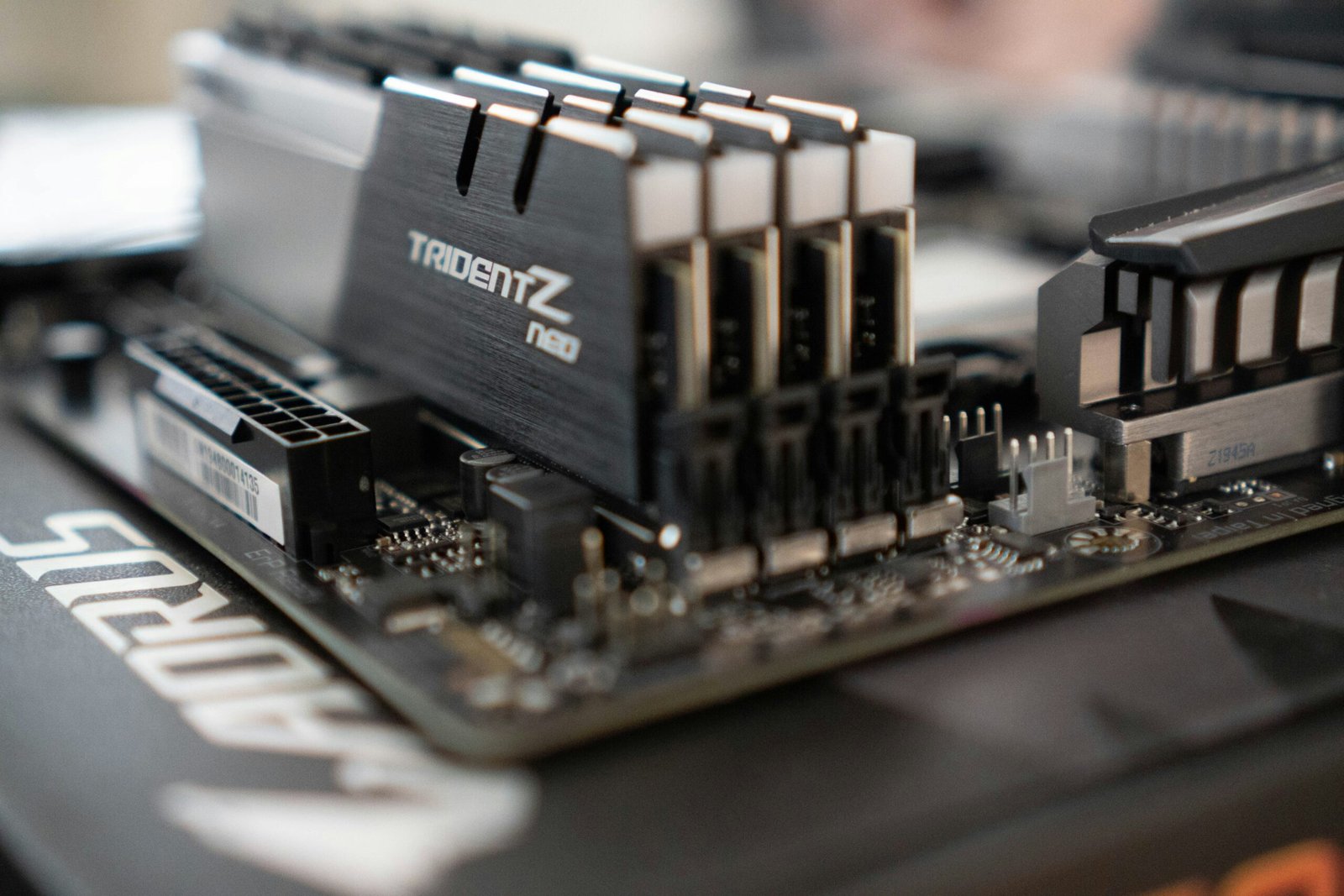
- Upgrade System Memory Capacity: Expanding your system physical memory from 8 GB to 16 GB or 32 GB remains the most effective long-term hardware solution for eliminating application bottlenecks.
Final Thoughts on Why Modern Apps Use So Much RAM
Cross-platform software efficiency has fundamentally shifted. As long as software development relies on web-wrapper frameworks to streamline software releases across platforms, high RAM usage will remain standard. By understanding how applications manage memory and adjusting background application habits, you can effectively maintain system speed without constant hardware upgrades.